How to check Lowe's store inventory: what the results mean
Check Lowe's store inventory by selecting your exact local store on Lowes.com or the Lowe's mobile app, checking the In-Store Pickup status on the product page, viewing nearby stores if stock is low, or calling the store desk with the Lowe's item number. Results separate same-day pickup from multi-day Ship-to-Store transfers. Third-party public inventory checker widgets frequently break or show stale caches; brands monitoring dozens of stores use weekly store-level reporting.
Key facts
- Lowe's operates more than 1,750 home improvement stores across the United States with roughly 300,000 associates and $86 billion in 2025 sales. Source: corporate.lowes.com
- Auburn University RFID Lab defines Overstated inventory as an On-Hand system count that exceeds actual physical units inside the building. Source: rfid.auburn.edu
- Corsten and Gruen's 2003 study found that out-of-stocks drive substantial shopper brand switching and store walkouts when needed items are missing. Source: alexandria.unisg.ch
On this page
How do you check Lowe’s store inventory accurately?
Shoppers get the most reliable inventory reading at Lowe’s by pinning their target store inside Lowe’s own website or mobile app rather than trusting third-party lookup widgets. If you oversee retail accounts for a manufacturer rather than a single shopping trip, pair this guide with our brand guide to store-level shelf intelligence.
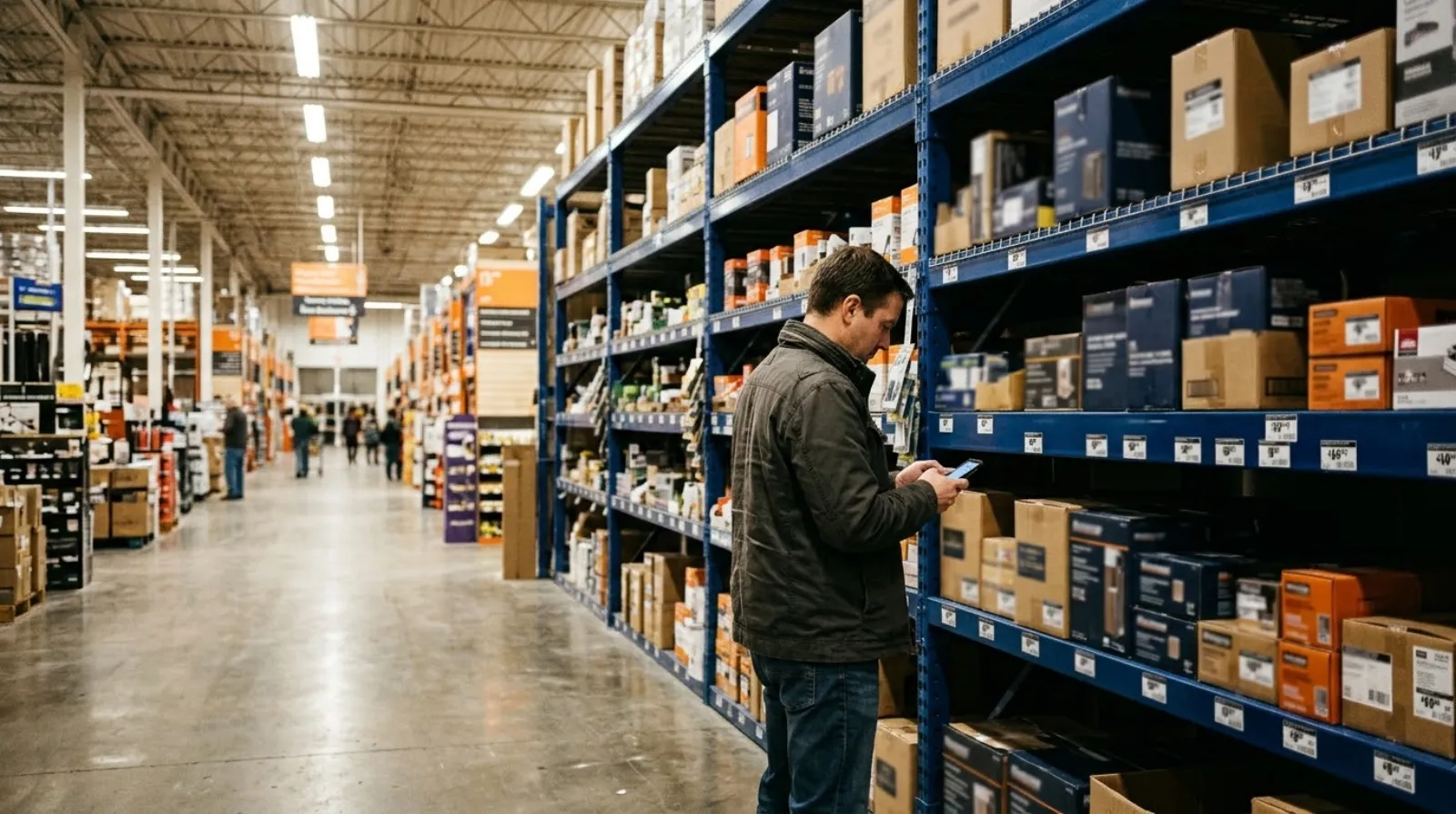
Across Lowe’s 1,750+ U.S. home improvement stores, inventory changes constantly as contractors pull pallet quantities and weekend DIY shoppers clear pegs. Use these steps in order to verify whether a specific store has your item before you drive:
- Pin your store on Lowes.com first: Click the store selector at the top of Lowes.com and pick your exact local store by ZIP code, city, or store number. Product pages adjust both pickup availability and local shelf pricing to match that location.
- Check the pickup panel and nearby stores link: On the product page, look under the fulfillment options for In-Store Pickup or Curbside Pickup availability. If your first store shows out of stock or low quantity, select the option to check other nearby stores so you can compare inventory across surrounding locations at a glance.
- Open the Lowe’s mobile app for aisle and bay locations: When a pinned store shows in-stock units, the Lowe’s app displays the exact aisle and bay number. In-store barcode scanning also confirms whether the item on the shelf matches the model number and local shelf price.
- Call the store desk with the Lowe’s Item # or Model #: When the website shows only one or two units, or when you need an entire pallet or multi-box quantity, call the store directly and have an associate confirm physical units on the hook or in top stock.
- Reserve via In-Store or Curbside Pickup and wait for confirmation: Placing a pickup order instructs an associate to physically pull and stage your units. Never head to the store on the initial order confirmation alone; wait until you receive the separate Ready for Pickup email, text, or app alert.
Which Lowe’s product number should you search: Item #, Model #, or UPC?
Using an exact product identifier prevents misreading stock for the wrong pack size, finish, or tool kit. Lowe’s product listings show two primary numbers near the title alongside the manufacturer’s barcode:
| Identifier | Where to find it | Best use case | Watch-out |
|---|---|---|---|
| Lowe’s Item # | Printed near the top of the Lowes.com product page | Calling the local store desk or verifying an exact single-SKU listing | Specific to Lowe’s catalog; varies between single packs and contractor bundles |
| Model # | Listed beside the Item # on the product page and packaging | Matching your brand’s ERP catalog, line-review sheet, or comp shop | Retailer-exclusive editions may carry a modified suffix on the model number |
| UPC / Barcode | Printed on the box or scanned in the Lowe’s app | Quick in-aisle price and stock checks using the Lowe’s mobile scanner | Multi-pack inner cartons carry a different barcode than master cases |
When preparing a store list and SKU list for a Shelf Snapshot or weekly store-level stock report, supplying deduplicated Lowe’s Item #s and Model #s prevents online-only bundles from skewing store pickup counts.
What do Lowe’s inventory results mean?
Many missed store trips happen because shoppers read “Available” on a Lowe’s product page without noticing whether the item sits in the local aisle or in a regional shipping network. That distinction matters even more as Lowe’s expands omnichannel fulfillment under its Total Home Strategy, connecting physical stores with online delivery.
| Lowe’s fulfillment status | Physical store reality | Best action for shoppers or reps |
|---|---|---|
| Ready for Pickup Today (with aisle/bay) | Store system records sellable units in that building | Walk to the listed aisle and bay, or place pickup order |
| Low remaining count (1–3 units) | Stock may be a display model, return, or unlogged shrink | Place pickup order and wait for Ready confirmation, or call first |
| Ship-to-Store (multi-day window) | Store shelf has zero units; item ships from a hub | Order ahead if you can wait; do not expect shelf stock today |
| Local Delivery vs. Store Pickup | May dispatch from a nearby hub or fulfillment center | Confirm store pickup separately if you need it in person today |
When a store displays one to three units remaining and the shelf hook sits empty, you are looking at overstated perpetual inventory. As the Auburn University RFID Lab whitepaper defines it, Overstated inventory occurs whenever a store’s system On-Hand (OH) count exceeds the Actual physical units inside the store. If Actual drops to zero while On-Hand stays positive, the SKU hits a Frozen Out-Of-Stock—meaning automated replenishment stops ordering fresh cartons because the computer believes units are still waiting to sell.
For a deeper look at why retail websites and physical pegs fall out of sync, read store-level inventory vs. “available online” at big-box retailers and compare how store checks work next door in how to check Home Depot store inventory.
How Store Pickup, Curbside, Lockers, and Ship-to-Store work after ordering
Understanding what happens behind the counter after you click checkout helps both shoppers and field reps avoid wasted trips. Once you place an online Store Pickup or Curbside order on Lowes.com, a store fulfillment associate receives a pick ticket to locate the units in the listed aisle and bay.
- Self-service pickup lockers and desk staging: Smaller items and hardware orders are often staged inside self-service pickup lockers near the entrance or at the Customer Service counter, while bulky lumber, pallets, or outdoor equipment wait at the pickup desk.
- Curbside Pickup check-in: After your Ready for Pickup email or app notification arrives, park in a marked curbside bay and check in through your confirmation link or the Lowe’s mobile app so an associate brings the order out.
- Order cancellations on low stock: If a store displayed 1 or 2 units due to phantom inventory and the associate cannot find physical boxes in the bay or top stock, Lowe’s cancels the unfulfilled line—confirming the shelf is actually empty before you drive over.
Common mistakes when checking Lowe’s store inventory
Four routine lookup habits cause most false readings when shoppers or coordinators check Lowe’s stores manually:
- Letting IP geolocation reset your store: Corporate VPNs and mobile networks regularly default Lowes.com to a nearby metro store instead of the exact store number on your territory list.
- Treating “Free Ship-to-Store” as same-day shelf presence: Ship-to-Store transfers stock from a regional hub over several days; it does not mean a contractor can pull the item off the bay today.
- Assuming price stays uniform across adjacent districts: Local shelf and clearance prices vary by geographic pricing zone, which we explore in why shelf prices differ by store at Home Depot and Lowe’s.
- Chasing single-unit counts without calling: One remaining unit in a large-format store frequently turns out to be a mounted display or an unlogged return.
Why third-party Lowe’s inventory checker sites fail
Public third-party “Lowe’s inventory checker” websites frequently break, show incomplete results, or display cached numbers that lag store movement by days. Large retail websites actively limit automated public queries, so unauthenticated public widgets cannot reliably pull fresh store-by-store counts on demand.
Retail Channel Ops does not provide a free public live Lowe’s inventory checker tool. Retail Channel Ops is an independent reporting service with no affiliation, sponsorship, or commercial arrangement with Lowe’s. Shoppers should always rely directly on Lowes.com, the Lowe’s mobile app, or a phone call to the local store.
If you run a field merchandising team visiting multiple Lowe’s stores in a territory, you can still organize manual aisle checks fast by generating printable or Excel spot-check forms using our store spot-check sheet generator—a zero-login worksheet tool that never touches retailer systems.
What brands selling at Lowe’s miss across 1,750+ stores
While a homeowner only needs to check one SKU at one store, a manufacturer selling 200 to 800 SKUs through Lowe’s faces an entirely different problem. No sales coordinator can check 30 or 100 stores by hand every week without burning two days copying status fields into Excel—only to have the data go stale before the buyer call.
Without recurring store-level monitoring, vendor teams miss three expensive patterns:
- Silent out-of-stocks in high-velocity districts: Vendor POS reports show zero units sold, hiding whether demand slowed or a frozen out-of-stock halted replenishment. Corsten and Gruen’s retail out-of-stock research documented how frequently shoppers switch brands or leave for another retailer when pegs sit empty. Estimate your brand’s exposure on our out-of-stock revenue loss calculator.
- Regional price and promo variance: Local shelf prices can differ across geographic zones and store groups, leaving national account managers unaware that a regional markdown or competitor promo shifted shelf price positioning.
- Unverified reset execution: When new planogram items launch, store-pinned monitoring separates stores that actually turned pickup availability on from stores where product has not yet hit the bay.
Brands that need structured weekly visibility across named Lowe’s stores can review our Lowe’s store-level stock and price report service (public-page Lowe’s collection is held behind outside-counsel review before public sale; our client-supplied portal-export workflow is available now) or test a baseline $750 Shelf Snapshot covering up to 20 stores and 300 SKUs on cleared retail channels or client-supplied exports. Every Front Row report collects publicly displayed store pages at shopper-equivalent rates with no logins, detailed on our data sourcing statement.
How supplier brands audit Lowe’s stores in week one
Where legal review clears public collection—or where a supplier sends exports from its own authorized vendor portal under our client-supplied data workflow—starting an audit takes minimal intake:
- Send your store numbers and deduplicated SKU list: Provide 10 to 100 target Lowe’s store numbers, Item #s or Model #s, and the account managers or analysts who receive the file.
- Store-pinned run and second-person QA: Our team pins each store on your list, captures pickup availability, displayed unit cues, and local shelf pricing (or normalizes your portal files), and verifies exceptions before sending.
- Deliver the five-tab workbook and brief: Within five business days for a Snapshot (or weekly inside a 12-hour window on Core A), your team receives the Store x SKU grid, Changes tab, ranked Exceptions list, Price Variance tab, and Run Log—and you can credit the $750 Snapshot fee in full toward Core A setup within 30 days. For agencies or brands sending reps into flagged stores afterward, see our store comp shop guide.
Frequently asked questions
How do I see what aisle and bay an item is in at Lowe's?
Pin your specific Lowe's store at the top of Lowes.com or inside the Lowe's mobile app, then open the product page. When the item is in stock for same-day pickup at that store, Lowe's typically displays the aisle and bay location directly under the availability panel so you can walk straight to the hook.
What is the difference between Free Store Pickup today and Ship-to-Store at Lowe's?
Free Store Pickup today means the store's on-hand record shows sellable stock already sitting in that building for same-day staging. Ship-to-Store means the local shelf is out of stock and Lowe's must transfer the item from a regional distribution center or another node, which takes multiple days before pickup.
Why does Lowe's sometimes say 1 or 2 in stock when the shelf is empty?
Single-digit on-hand counts at home improvement stores often reflect display units, unworked returns waiting in receiving, damaged packaging, or unlogged shrink. If a product shows only one or two units remaining, place an In-Store Pickup order and wait for the Ready for Pickup confirmation—or call the store desk—before making the drive.
Do third-party Lowe's inventory checker websites show live store stock?
No. Third-party public Lowe's inventory checker widgets cannot provide reliable current store accuracy because retailer sites throttle automated public requests and update pickup availability dynamically. Shoppers get cleaner, faster results directly inside Lowes.com or the Lowe's app, where store selection and aisle locations update natively.
How do vendor brands monitor stock and shelf prices across hundreds of Lowe's stores?
Checking 30 or 100 stores by hand takes hours every week and misses price shifts across markets. Brands use weekly store-level stock and price reports—starting with a $750 one-time Shelf Snapshot for up to 20 stores and 300 SKUs, or weekly reports from $750 per month—to track store drops and regional price variance.